
$DIGDOG
The dog Telegram drew but never named.
Found in the official FAQ. Now on TON.
Found in the official Telegram FAQ.
Scroll deep enough into telegram.org/faq, under "Does Telegram send Verification Codes for other apps?", and you'll find a screenshot. In it, an unnamed dog with a bone delivers a code from an app called "DigDog." No backstory. No mascot. No coin. Until now.
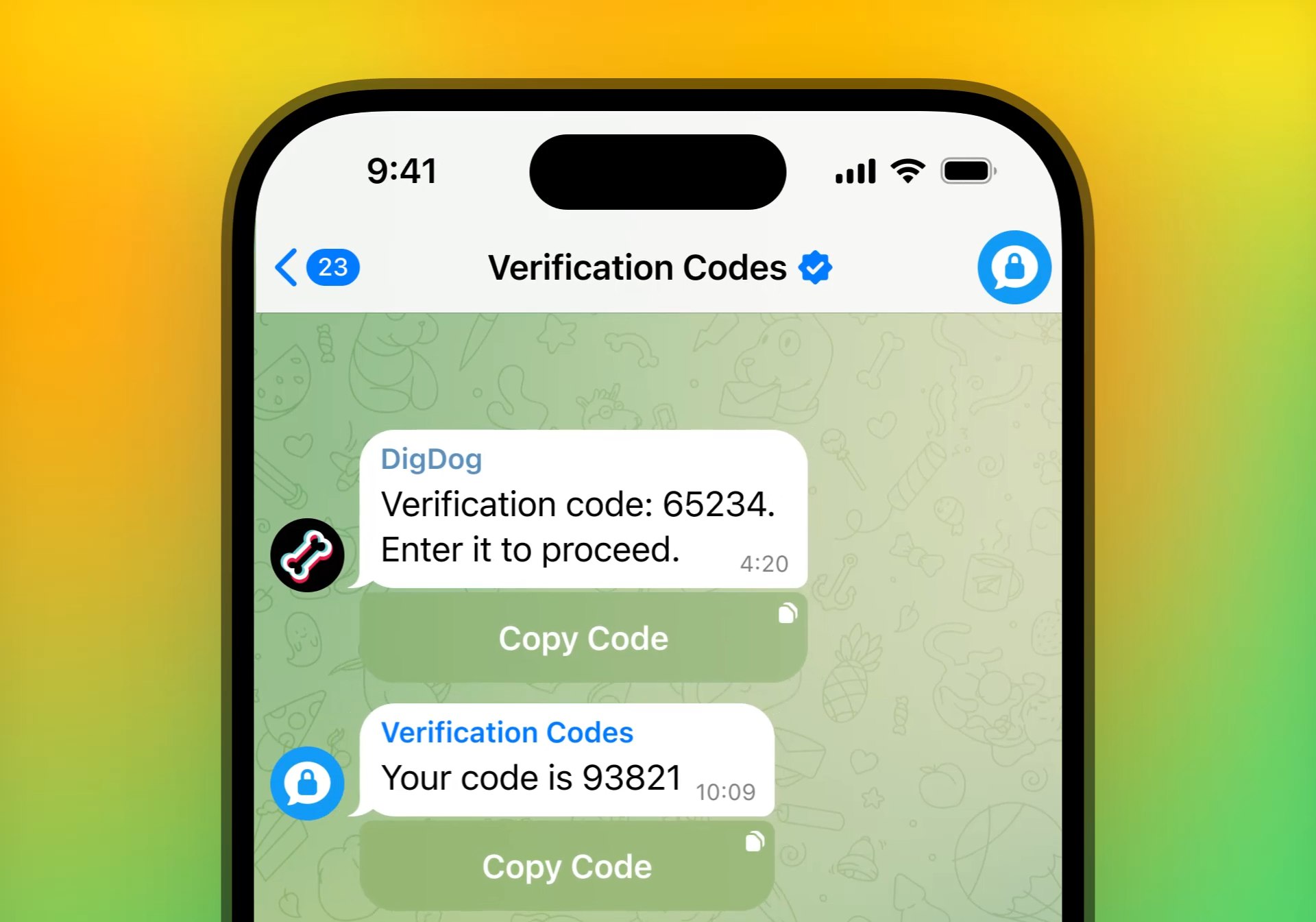
Pavel Durov gave the world Spotty. The community gave the world DOGS. But hidden in the documentation, drawn into a placeholder illustration nobody was supposed to look at twice, sat another dog.
Black background. Bone in the frame. Sending verification codes to no one.
DigDog specified both. We just gave him a chain.
Four steps. No tricks.
If you're new to TON, this takes ten minutes. If you're not, you already know.
Join the verification.
Where DigDog actually lives. Codes drop here first.